No articles found
Try adjusting your search terms or filters.
Try adjusting your search terms or filters.




Create precise digital models of your furniture, and bring them to life with confidence.
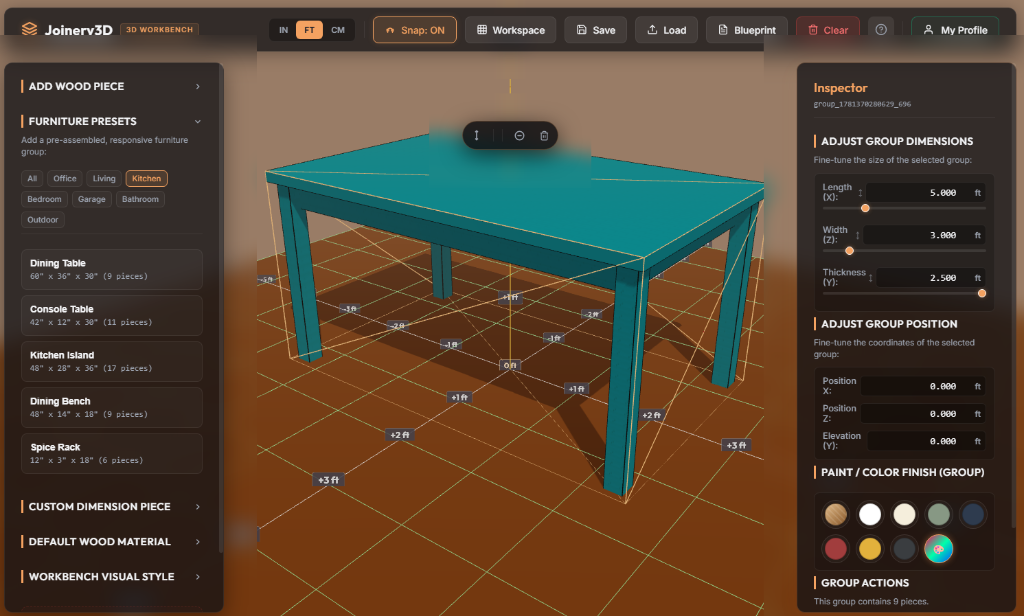
Plan dimensions, joinery positions, and paint options in our realistic physics environment.
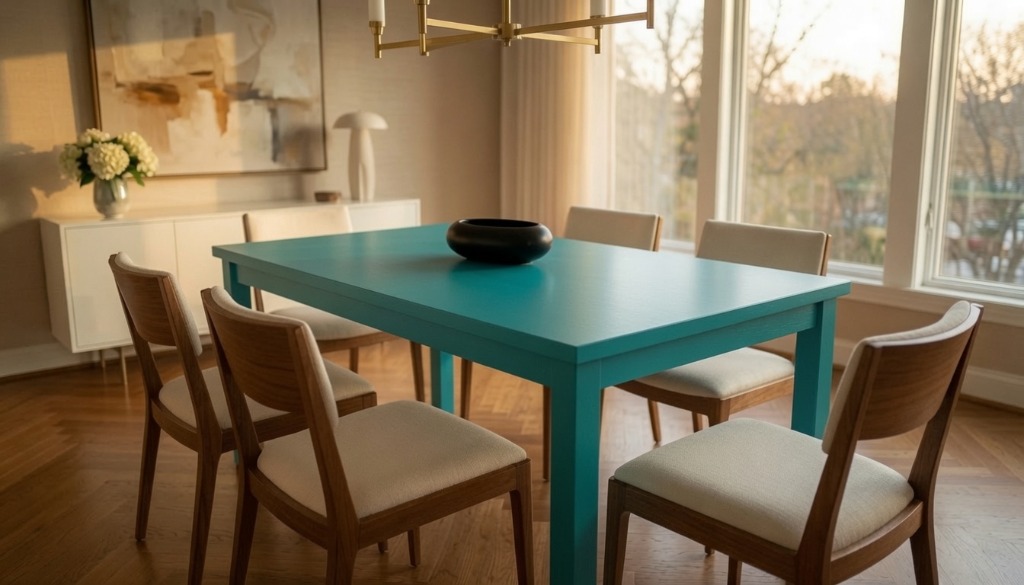
Bring the exact cut list and blueprint to your physical shop to build your finished piece of furniture.
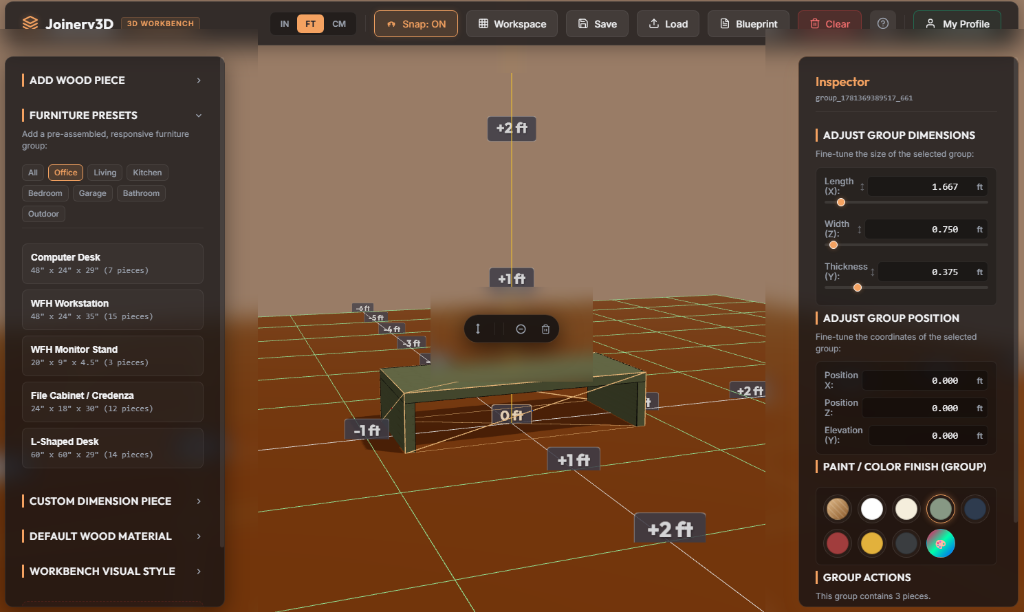
Model custom shelving and monitor stands. Adjust board dimensions and fit joints perfectly.
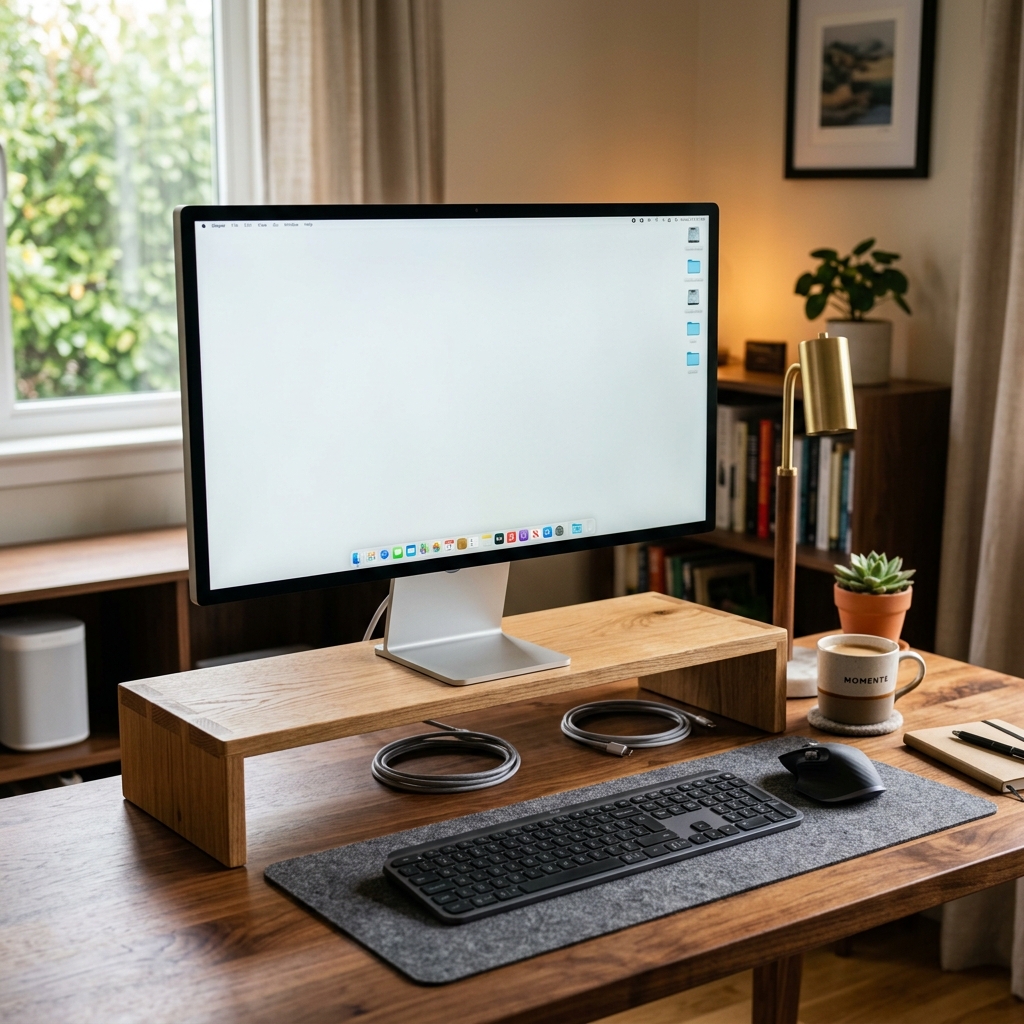
Build custom desktop accessories that match your workspace setup precisely.
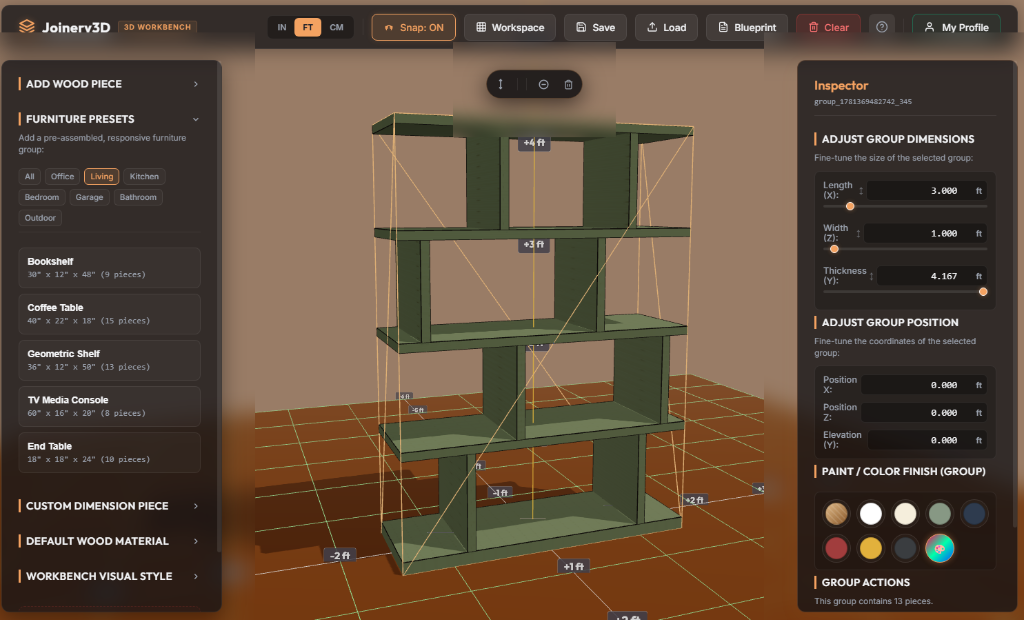
Create intricate shelving patterns, verify wood thickness, and preview finished colors.

Assemble custom accent pieces and complex storage structures with easy-to-follow layout steps.
Follow the step-by-step woodworking journey of how a custom console table goes from a quick pencil sketch to a finished masterpiece using Joinery3D.

It all starts with a gap in your daily life—like needing a custom console table behind the sofa. You sketch the initial concept, dimensions, and shape on paper over morning coffee.
Plan dimensions, cuts, and tolerances tailored to the specific power tools and hand tools in your shop.
Verify compound angles, bevel tilts, and crosscut clearances before firing up your miter saw.
Model custom dado grooves, routing template boundaries, and pocket-hole offsets with exact tolerances.
Plan straight rip fence lines, panel cuts, and blade depth settings for zero wood waste.
Map pocket holes, pilot holes, countersinks, and dowel joinery precisely on your 3D canvas.
Account for final sanding tolerances and grain matching before applying varnish or paint finishes.
Everything you need to design custom woodwork with speed and surgical accuracy.
Create furniture models using precise length, width, and thickness settings. Visualize board placement in clean 3D space with dynamic wood grain direction.
Take the idea in your head, design it quickly in the app, test your layouts, and build the physical project with complete confidence.
Align boards face-to-face or edge-to-edge instantly with magnet edge-snapping. Double-check clearance dimensions with the interactive tape measure.
Generate a clean, organized cut list grouped by wood thickness and dimensions. Export, copy, or print professional blueprints straight to your workshop.
Stop wasting expensive timber on trial-and-error cuts. Test-fit your furniture joints virtually, check clearances, and walk into your shop with a bulletproof plan.
Ditch complex, slow mechanical CAD tools. Estimate materials instantly, output clean cut grids for client reviews, and accelerate workshop production.
No! Joinery3D is designed specifically for woodworkers, not engineers. You can adjust dimensions with sliders, snap boards together, and draw joints with visual tools.
It groups identical parts and calculates exact material totals. Knowing your layout in advance means fewer trips to the lumber yard and zero wasted offcuts.
Joinery3D is best experienced in a web browser on a desktop or laptop computer. However, the mobile version can be used as well, especially to pull up dimensions, view your cut list, or review your design right from the workshop floor.